Setup
The setup for this assignment is largely the same as it was for assignment 0, adjusted to use the A1 repo (Link).
Starter Code
Below is an image showing what you can do with the starter code:
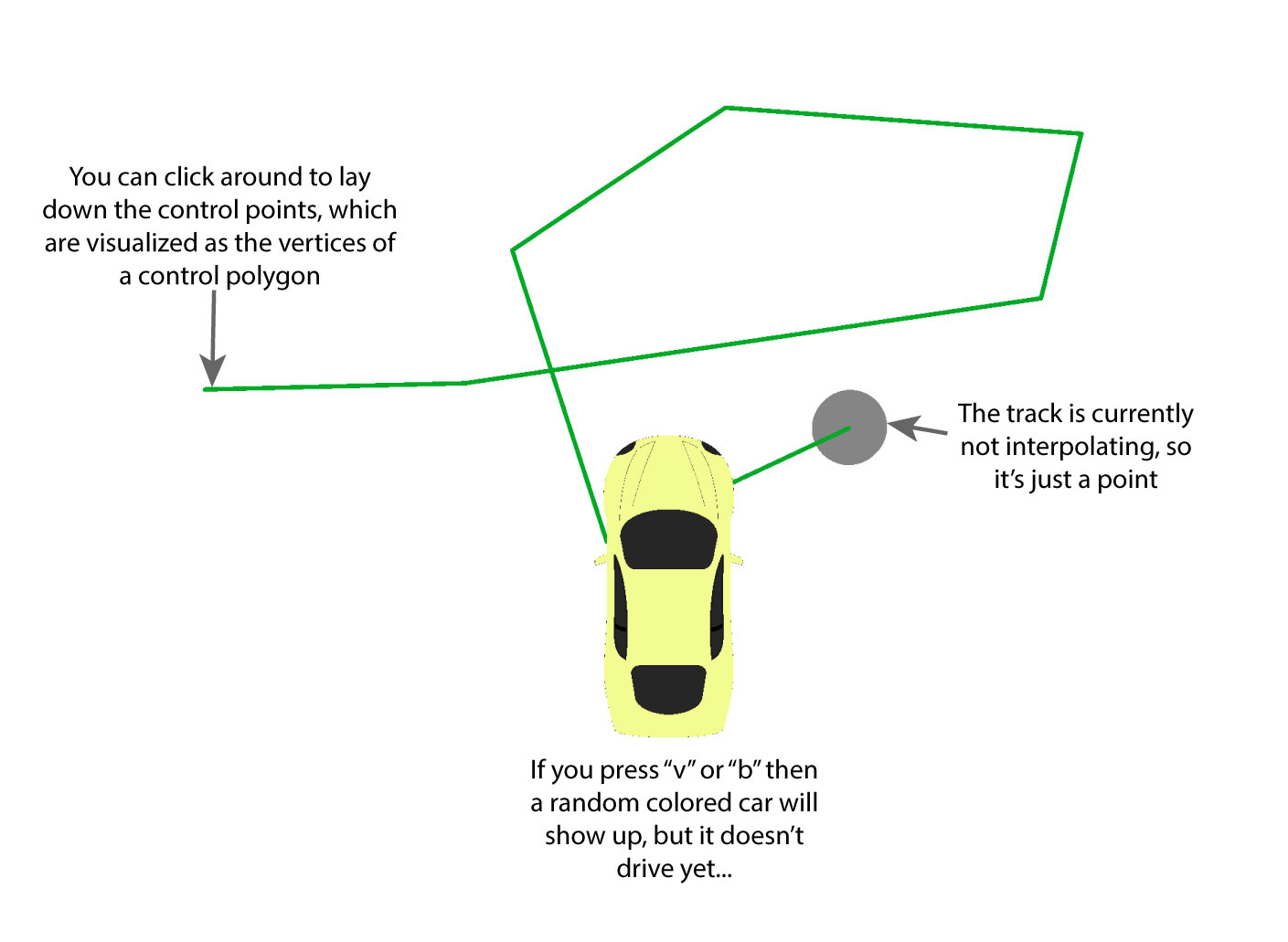 When you first run the starter code, you will be able to:
- Draw a control polygon by clicking and dragging in the canvas
- You will notice that the track is currently limited to a point at the beginning of the control polygon...
- Create a car with random color by pressing
vorb. (vfor creating aSpline Carthat will race along the spline curve.bfor creating aLine Carthat will race along the lines connecting control points.)- For now the car will simply sit idle in the middle of the canvas. You can alternatively create a car by clicking on the
Spline CarorLine Carbuttons on the control panel. It still won't go anywhere yet, though.
- For now the car will simply sit idle in the middle of the canvas. You can alternatively create a car by clicking on the
Demo videos may appear slightly different from what you see on your machine
I recorded these videos last year and have since upgraded the code. For this reason, the video may not appear 100% the same as what you see when you run. Most notably, we have added a control panel:
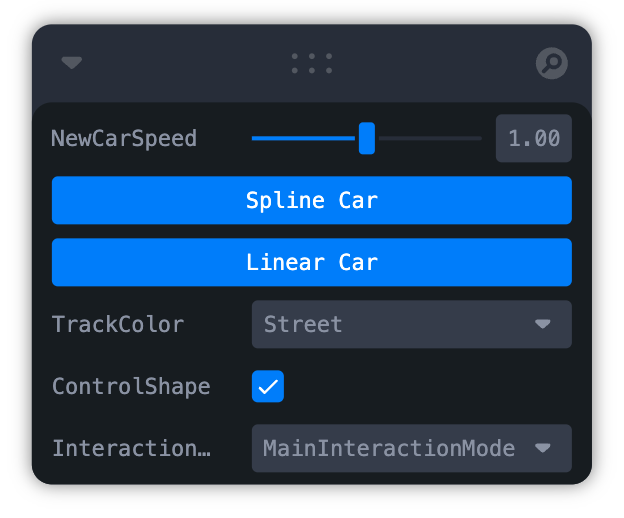
which offers a graphical interface for some of the keyboard commands.
Small styling differences and control panel aside, the functionality in these videos should still be the same as what your code does.