Starter Code
The example code in the starter repo is pretty extensive and heavily commented. I will be adding documentation here as well, but encourage you to use the different example scenes as your main source of inspiration. You can run the different example scenes by commenting out a different AppClasses in MainApp.tsx:
import AppClasses from "./Scenes/MainScene" // This example is an empty scene. Room to fill with your hopes and dreams...
// import AppClasses from "./Scenes/Tutorial"; // Tutorial scene
// import AppClasses from "./Scenes/Catamari"; // Catamari updated to work with control panel and NodeTransform2D class
// import AppClasses from "./Scenes/Example1" // Articulated spiky shapes. Cool.
// import AppClasses from "./Scenes/Example2" // Lab Cat wants to help!
// import AppClasses from "./Scenes/Example3" // Potentially good starting point for a pyramid animation type scene...
Main Scene
This is an empty scene for you to fill with your imagination...
Tutorial Scene
Lots of stuff in the tutorial scene:
What the scene looks like:
Spin Times Action
There is a timed action implemented that will activate when you press the spin button in the control pannel. The action looks like this:
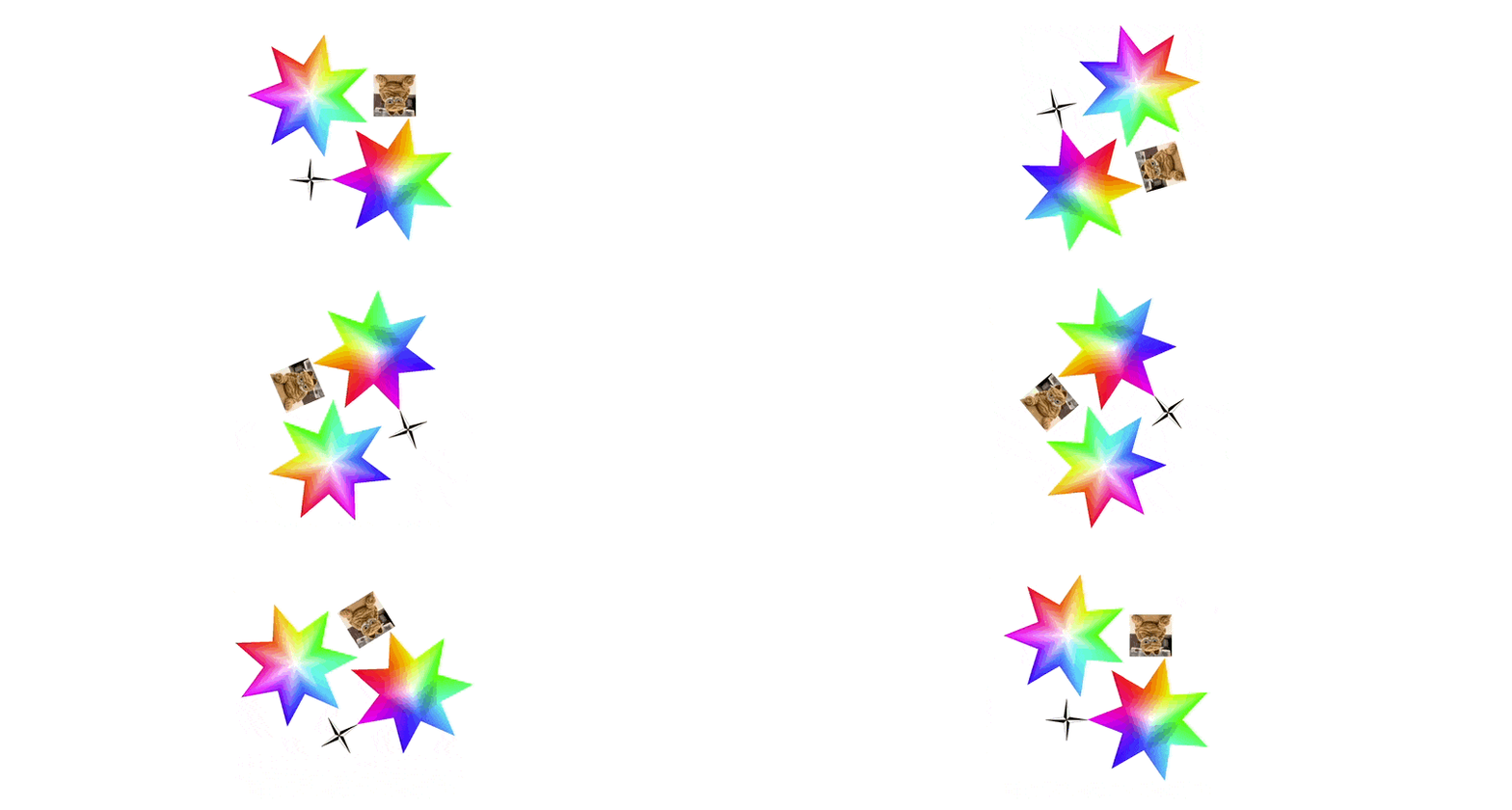
This is a cool feature that lets you define times animations that are triggered and controlled with Bezier spline tweens. Check out the code and comments to learn mode.
Catamari
For obvious reasons...
The new repo contains a completed version of the Catamari game updated to use NodeTransform2D's to represent transformations.
Example 1
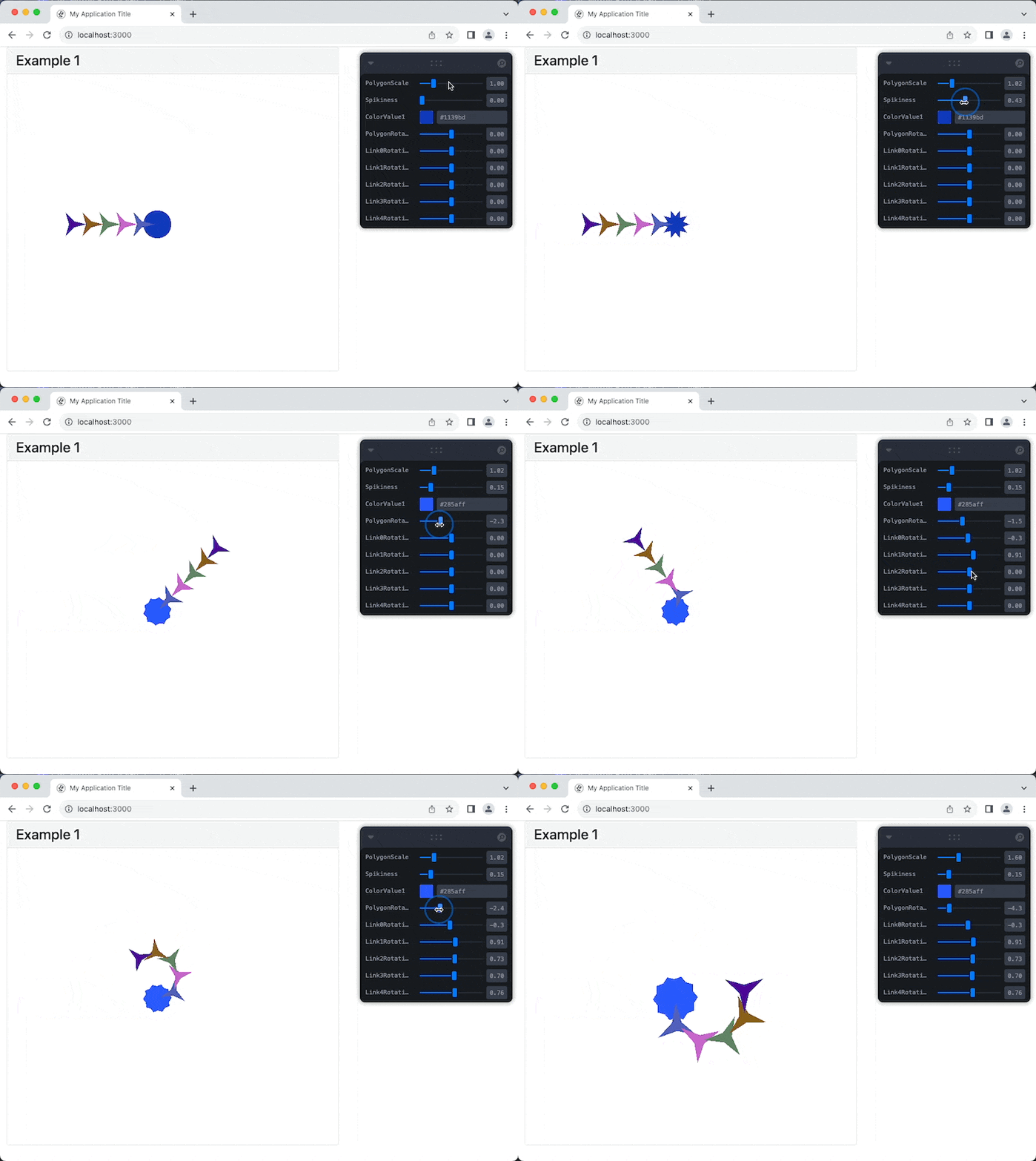
Articulated object and procedural spiky geometry.
This example demonstrates a bunch of examples of how to add controls to the control panel. Notice that when you change option for ExampleDropDown, it will just print out the selected option in the console of your browser's Developer Tool.
Example 2
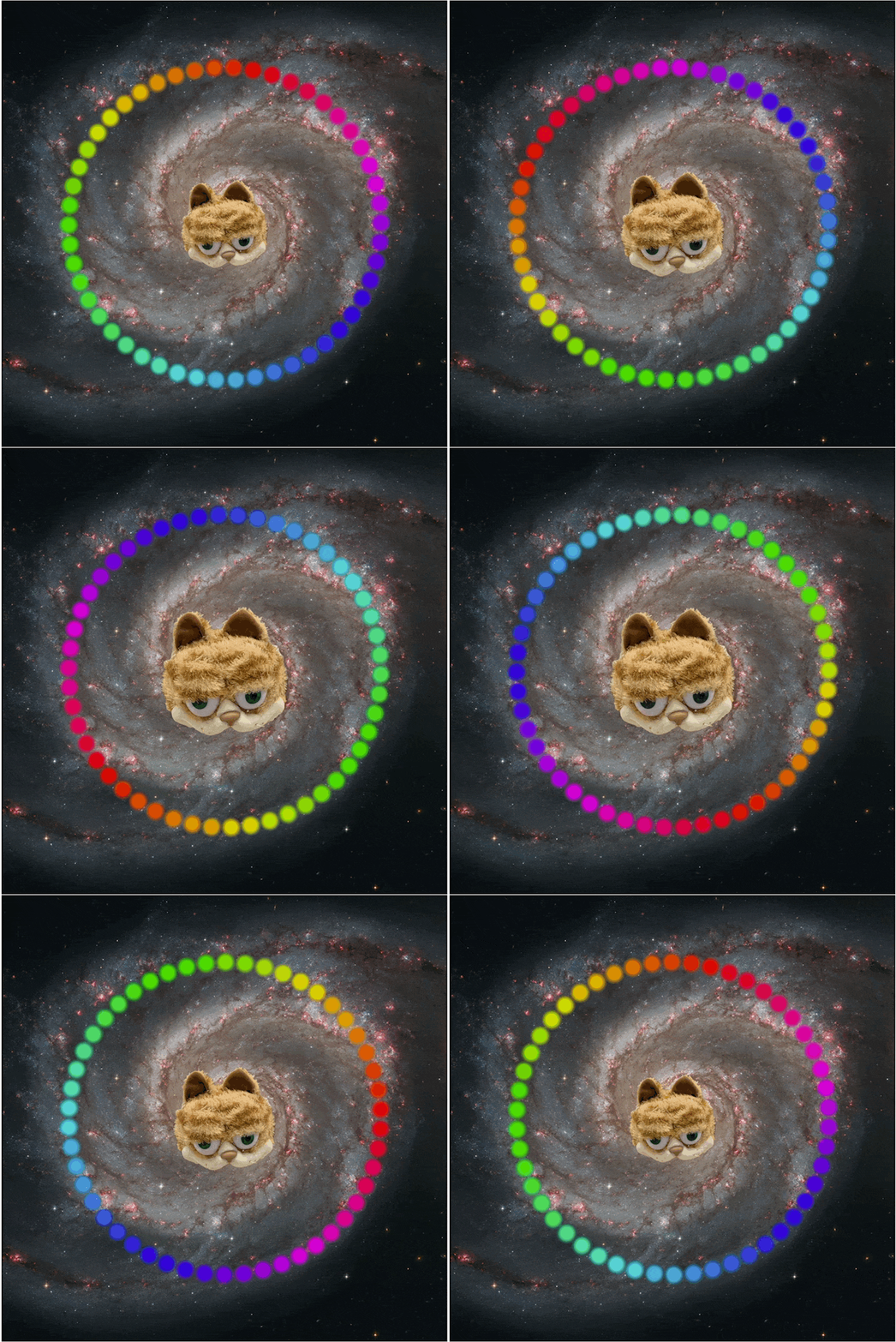
Lab Cat wants to help you implement particle systems and show you how to use keyboard and mouse controls. And how to texture geometry; in this case, with Lab Cat's face...
Check out the Developer Tool of your browser, and checkout the console tab, and you should see a description of your keyboard and mouse controls printed out there.
Generally, for each scene, the SceneController's initInteractions() function defines all the interactions (like kyeboard and mouse controls).
Example 3
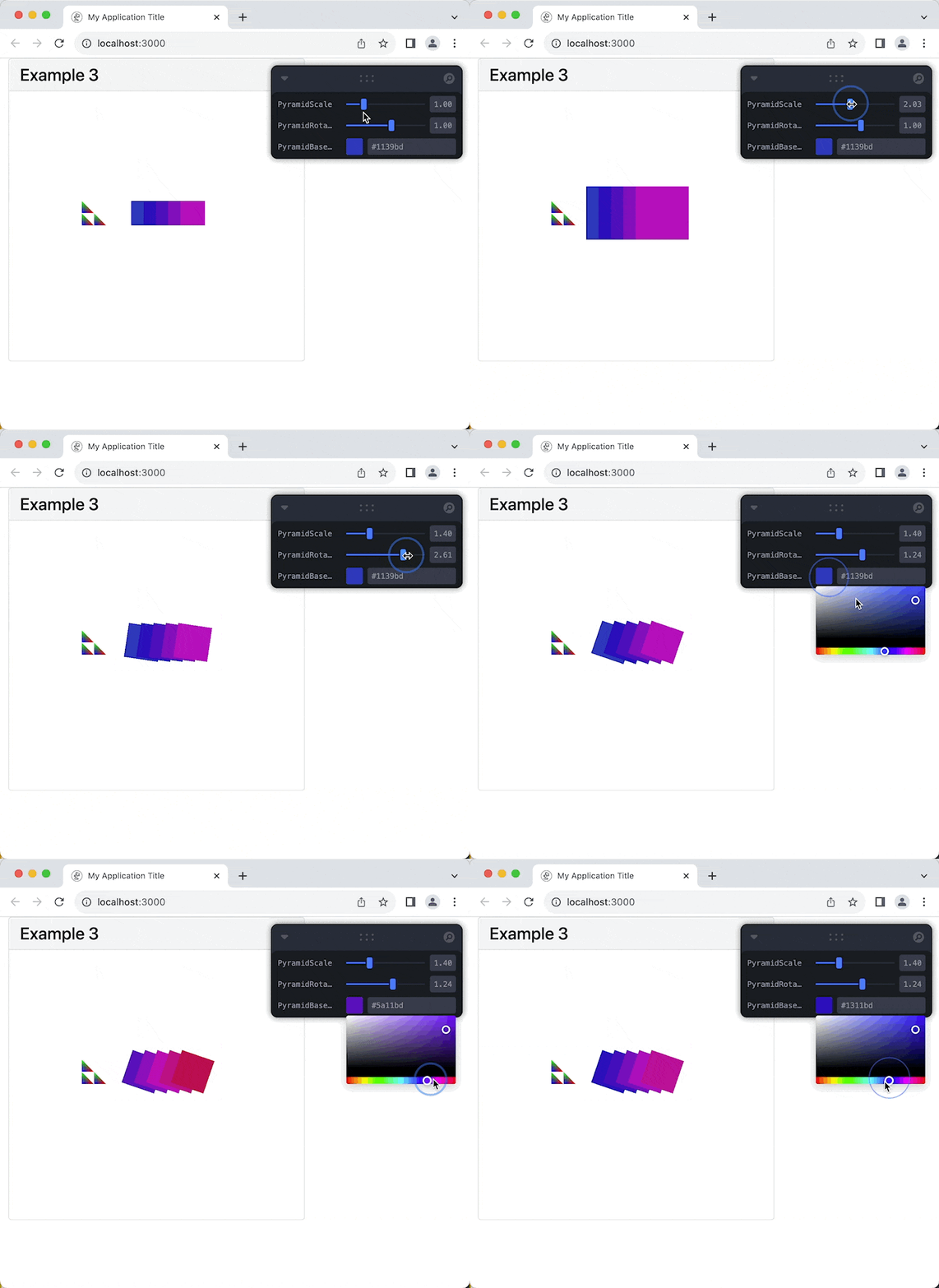
Potentially good pyramid starger. Also shows an example of a custom graphics element, and specifying triangle geometry (rather than polygon).
SoundAndTextureSwitching
Based on some requests from students, I've added sound support and an example of how to switch the texture of an object. You can find these in the newly added SoundAndTextureSwitching example.
Camera2D Example
This example shows you how to move the 2D camera around in the 2D plane, and how to change its zoom value.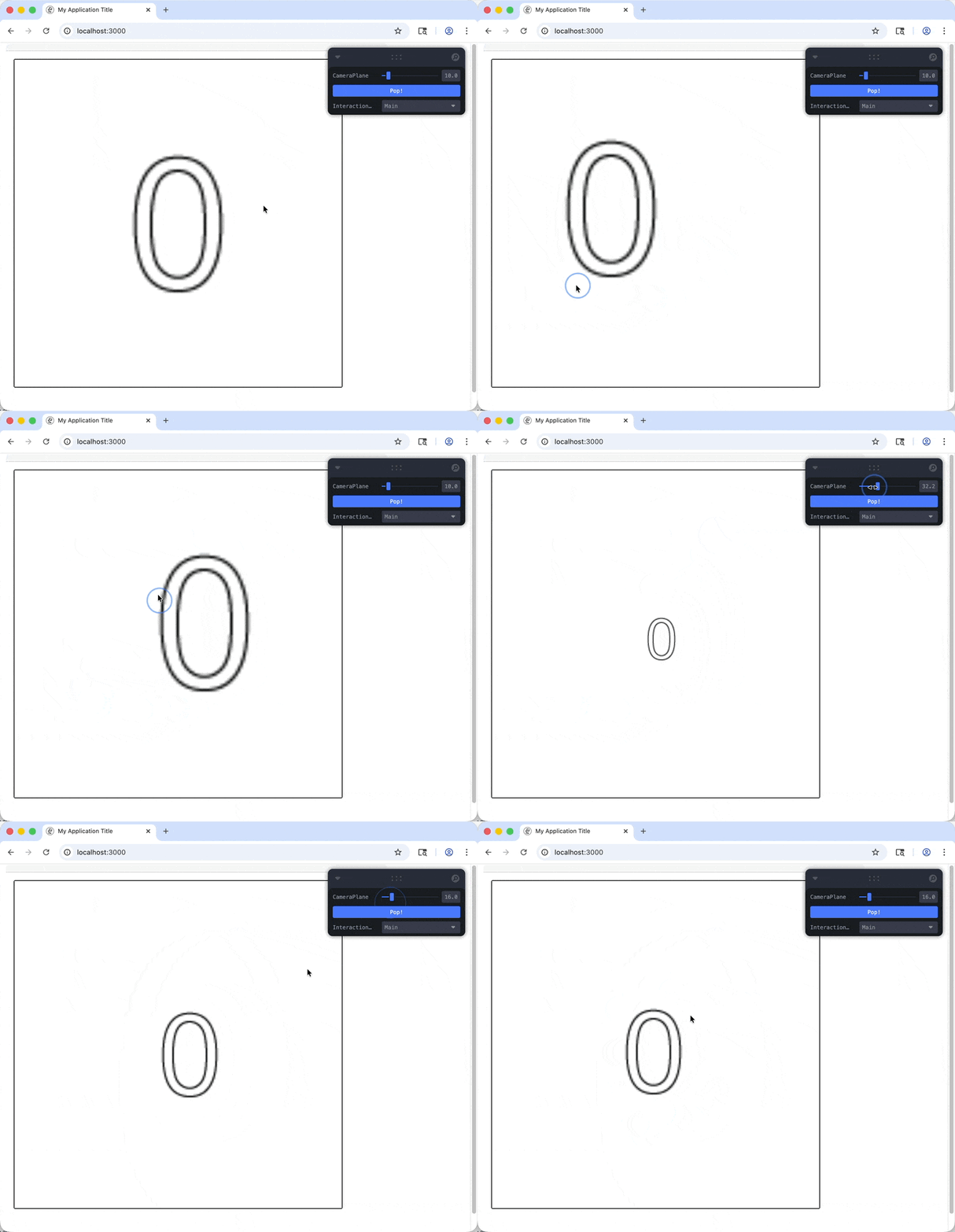
The function sceneModel.camera.setCamera2DPlane(width, height) lets you change the zoom of the camera by specifying how much of the 2D plane it sees in the x (width) and y (height) dimensions. The function sceneModel.camera.setPosition2D(position) sets where the center of the camera is. The scene also includes an example of how to calculate where a user clicks in world coordinates in the onDragMove function.